torbrowser-launcher-mac














Tor Browser Launcher is intended to make Tor Browser easier to install and use for macOS users. You install torbrowser-launcher from your distribution’s package manager and it handles everything else:
- Downloads and installs the most recent version of Tor Browser, or launches Tor Browser if it’s already at the latest version at launch time.
You might want to check out the security design doc.
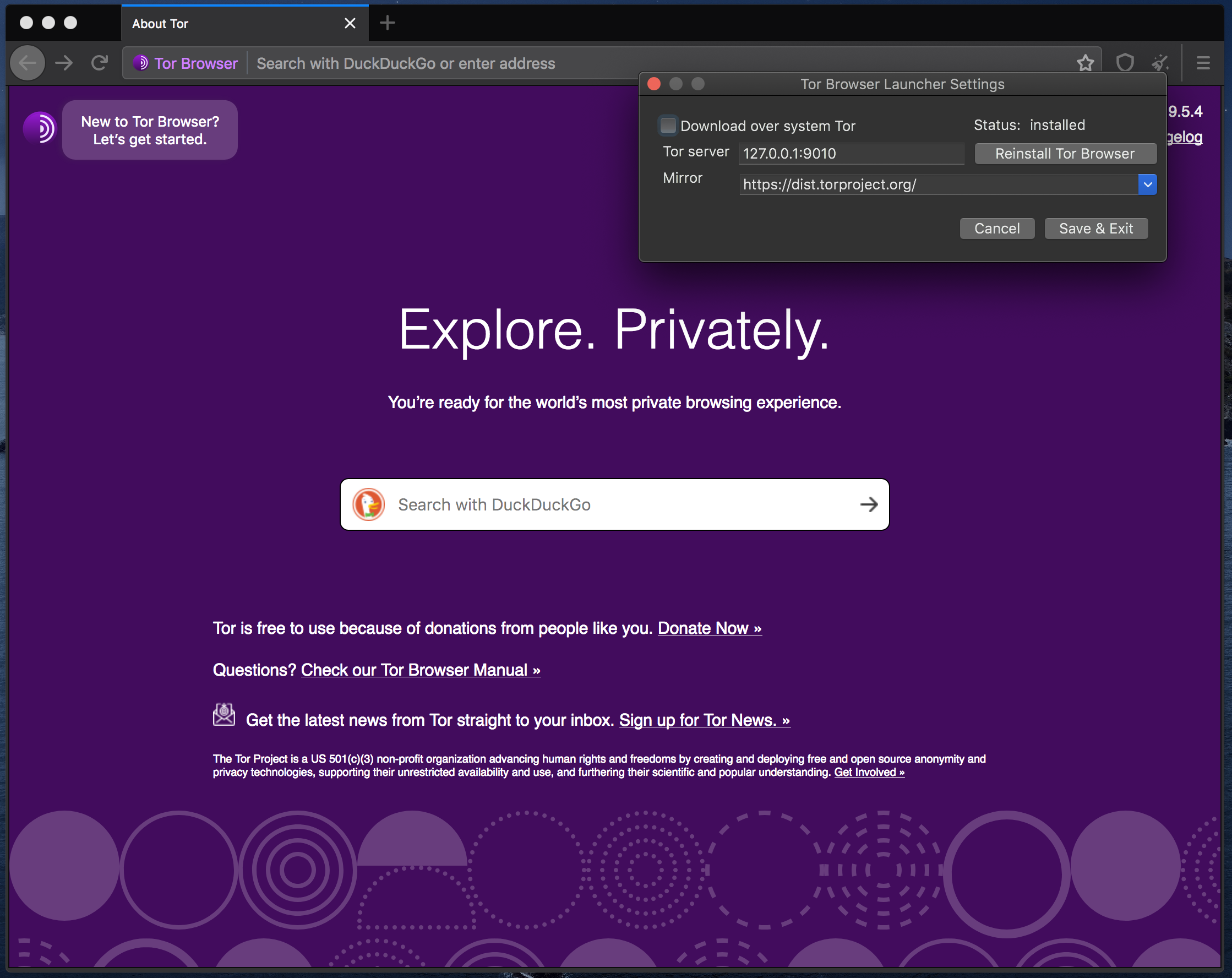
To view the settings dialogue, use a terminal and pass --settings:
open '/Applications/Tor Browser Launcher.app' --args --settings
Troubleshooting
To start with a clean environment, run the following commands:
killall 'Tor Browser Launcher'  # or quit the app
defaults delete sh.tat.torbrowser-launcher-mac
rm -rf "${HOME}/Library/Application Support/Tor Browser Launcher"
Then run the launcher.